How do I change my shipping address and payment method?Updated 2 months ago
You can update your account details, including shipping address and payment method, for the coming month any time before the 1st of that month (11:59 EST). On the 1st, your Book Club order will be submitted to our warehouse and you won't be able to make any changes to your order.
Here's how to update your details:
1. Log into your account on the Verso Books website (make sure you're using the email address/account associated with your VBC membership)
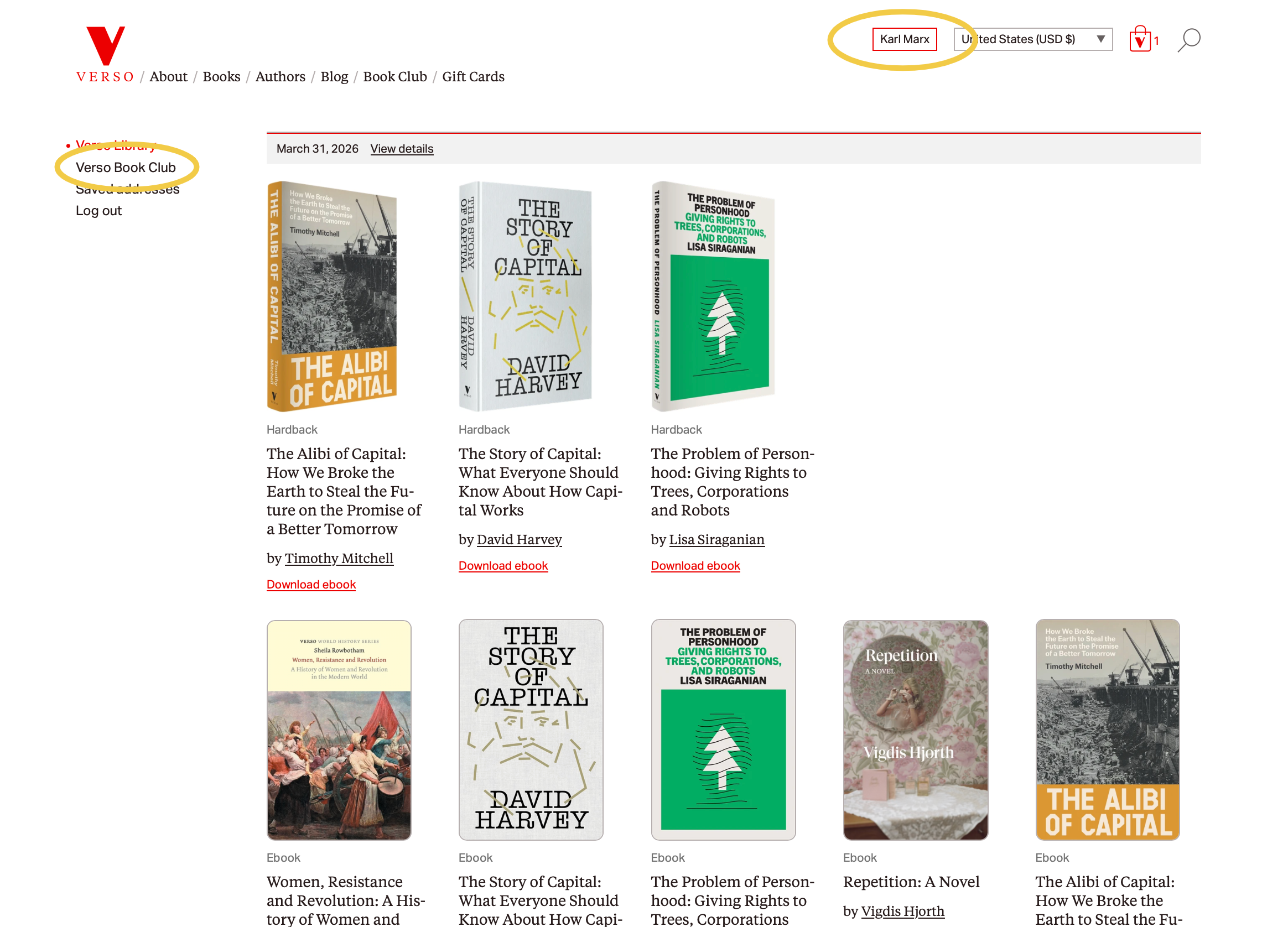
2. Click on your name in the top right corner of the page, which will take you to your Verso Library. Once there, click on the "Verso Book Club" link on the left side of the page
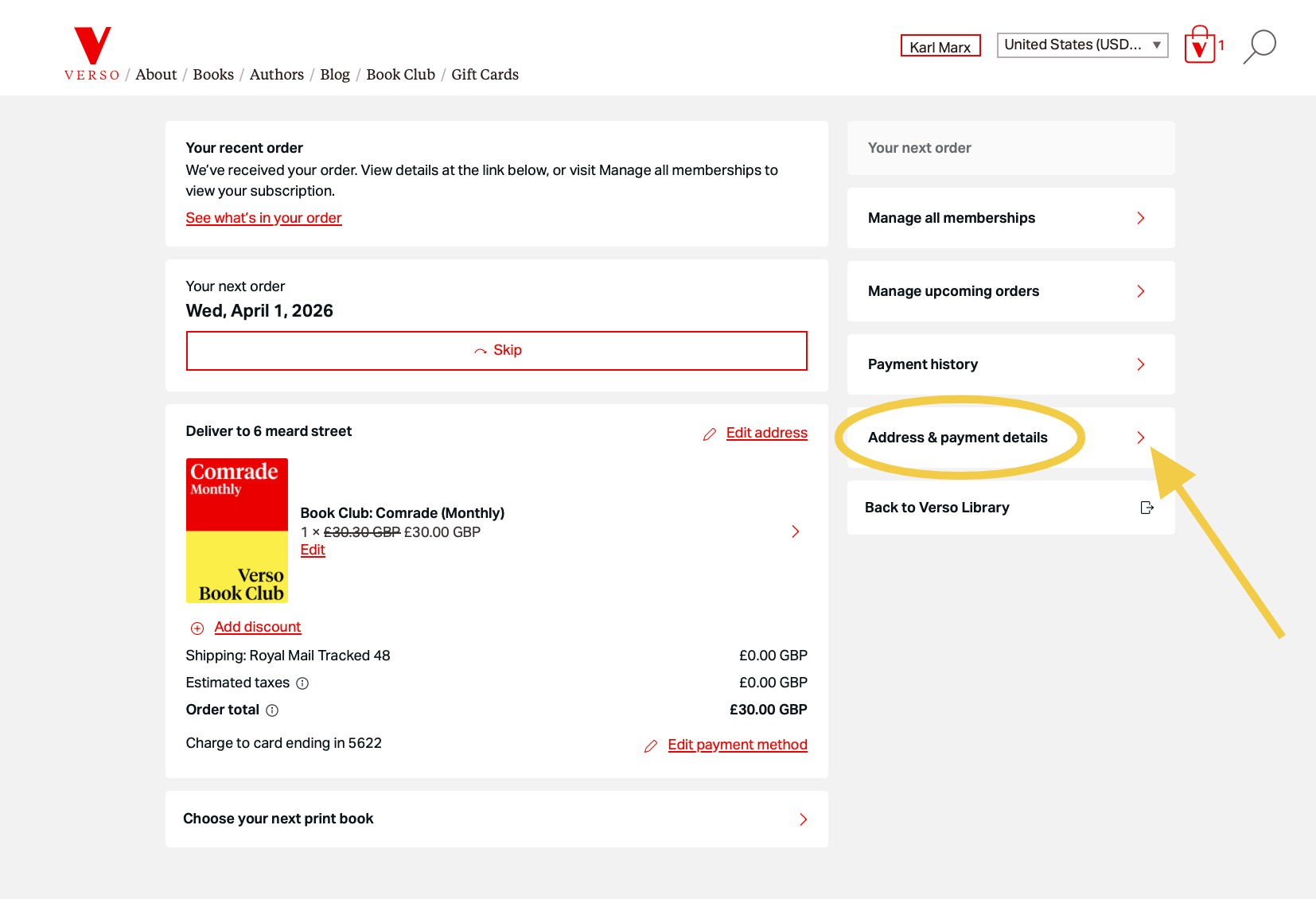
3. You should now be looking at your Verso Book Club dashboard. On this page you'll see the details of your current membership. In the menu on the right, click the link for "Address & payment details."
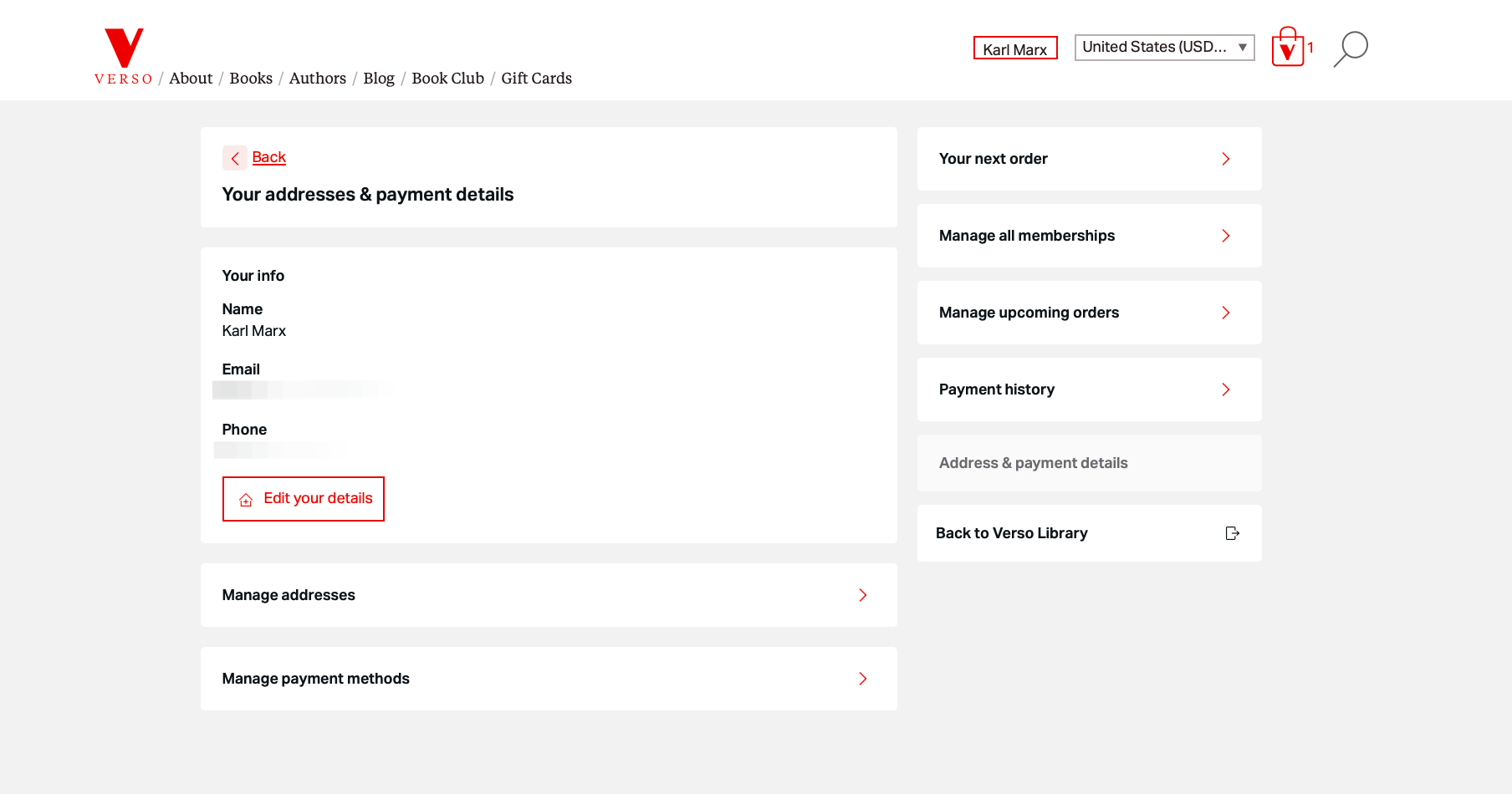
4. Here you'll find links to
- Edit details (your name, email, and phone number)
- Manage addresses
- Manage payment methods
Just click on the relevant link and update your details.