
How do I apply a discount code to my Book Club account?Updated 3 months ago
If you're an existing member you may receive a discount code or credit to apply to your next payment. You can follow the steps below to activate them:
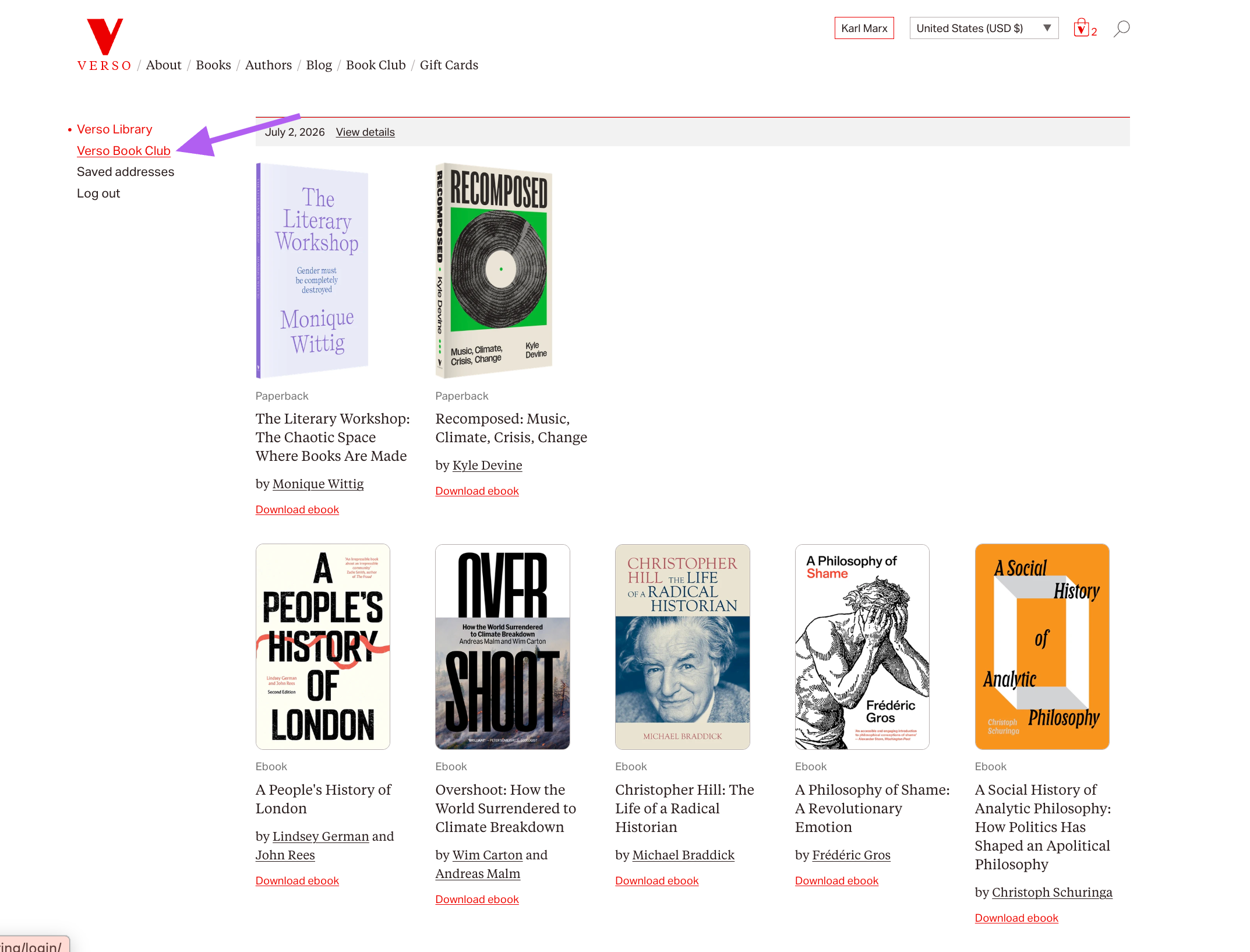
1. Log into your Verso Books account and find your VBC member dashboard by clicking "Verso Book Club" in the left hand menu
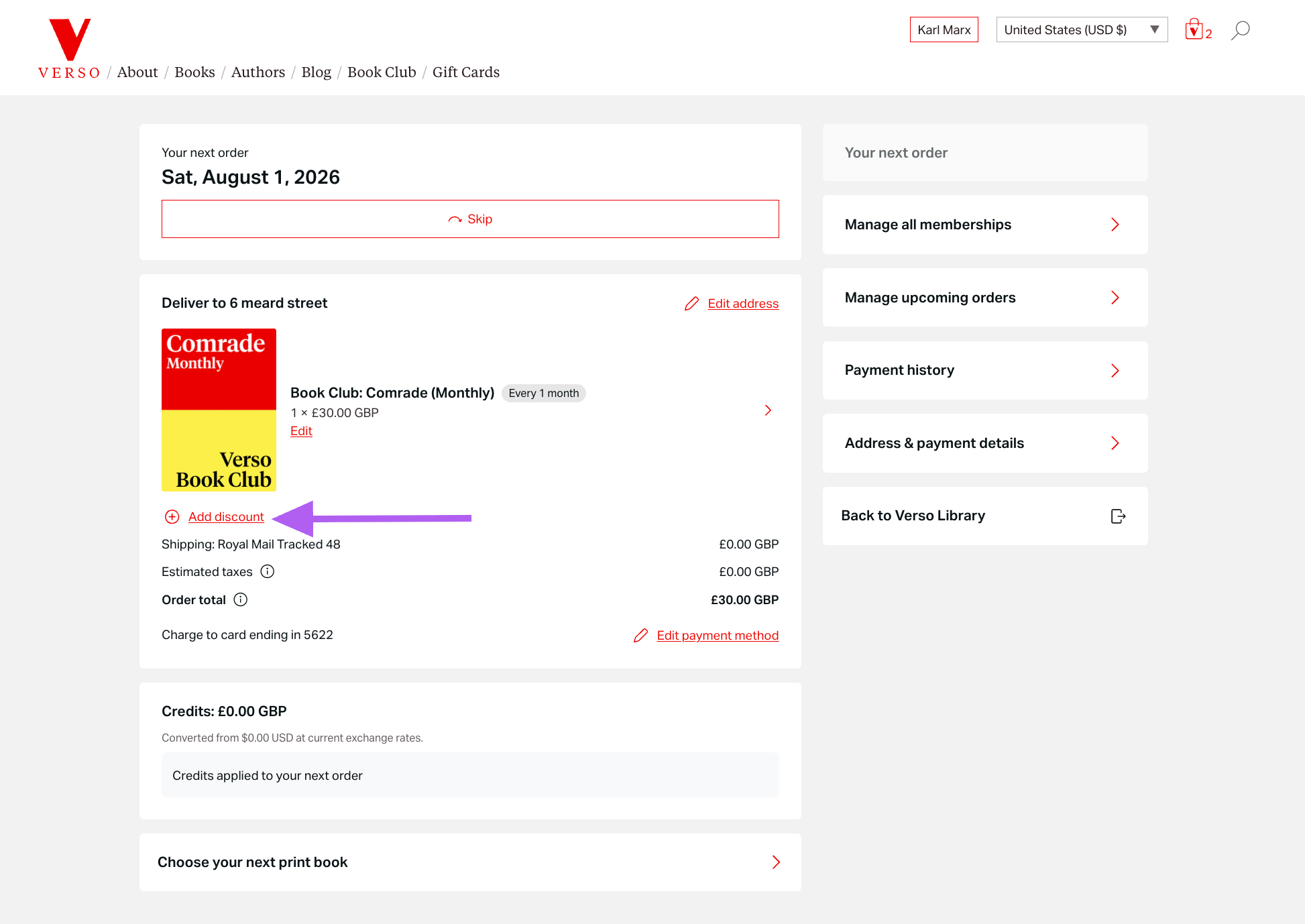
2. Find your active Book Club membership and click the red "Add discount" link (located under the product image)
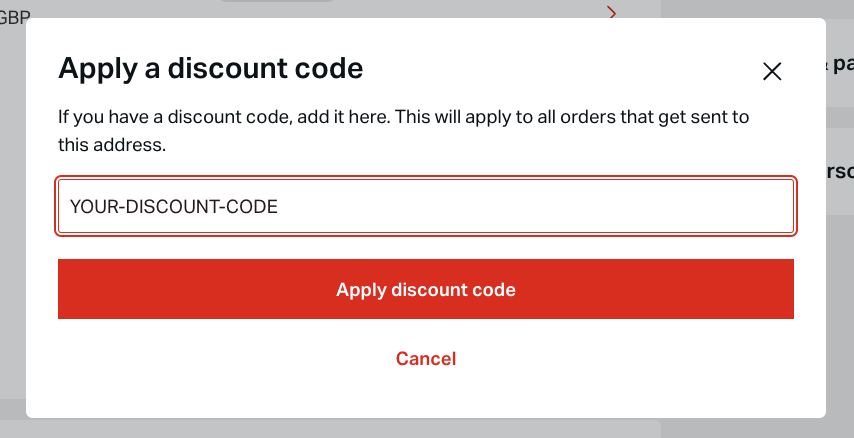
3. Enter the discount code in the space provided and click "Apply discount code"
The discount should automatically apply according to the terms of the offer.
Any questions? Get in touch with us as [email protected].